
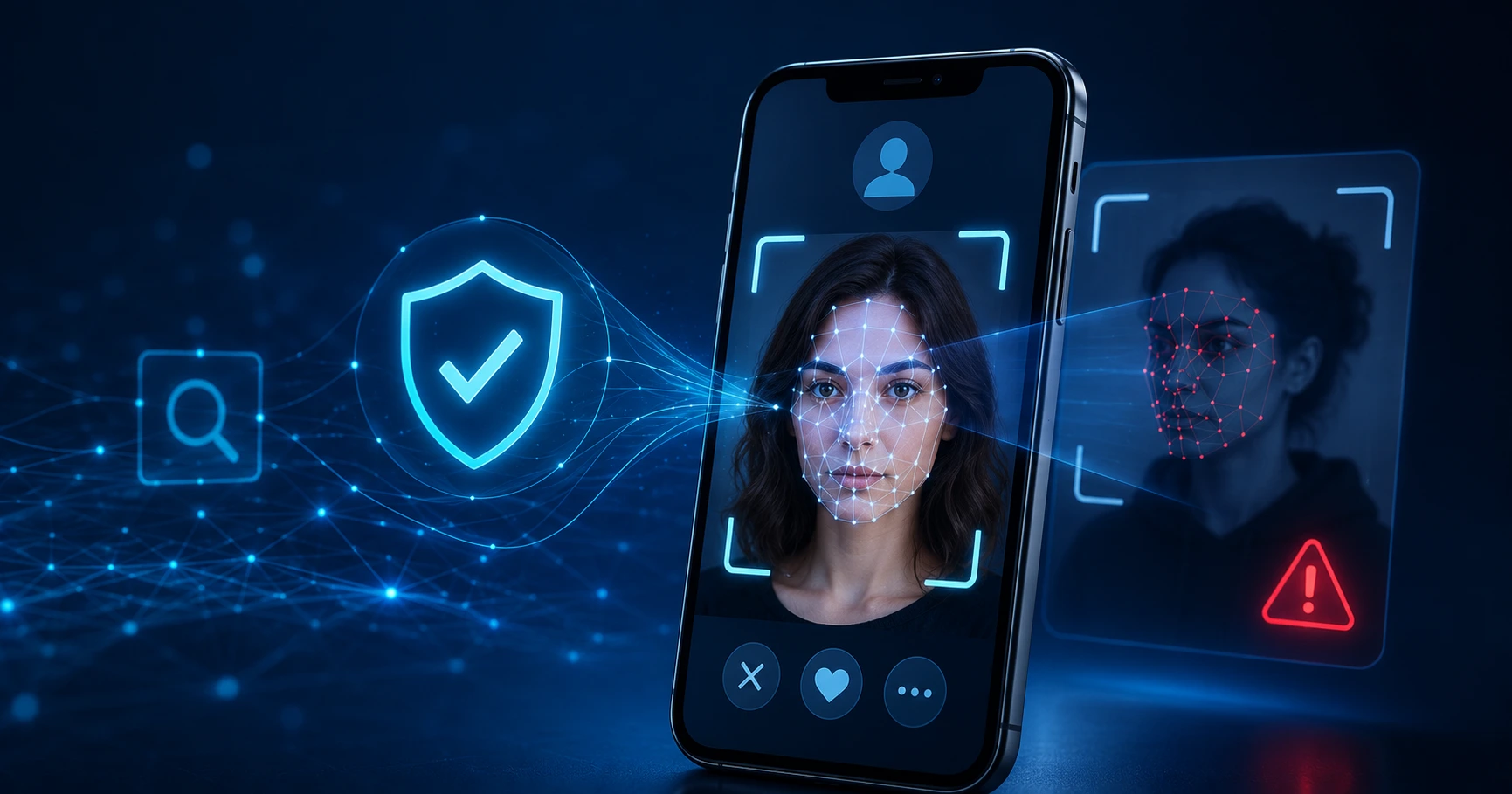
Online relationships, freelance hiring, and even apartment rentals increasingly start with nothing more than a name, a photo, and a few messages. That convenience has a dark side: romance scams alone cost victims hundreds of millions of dollars every year, and a huge share of those cases begin with a profile picture that was never real in the first place.
Learning to question what you see online—and knowing how to verify it—has become a basic digital literacy skill rather than an optional precaution.
Common Warning Signs of a Fake Online Profile
Fake profiles usually share a few telltale signs. The photos look almost too polished, often lifted from a model’s portfolio or a stranger’s public social media account.
The person is always busy at the exact moment a video call is suggested. Their story shifts slightly every time they tell it, and they tend to move conversations off the dating app or marketplace and onto private messaging apps very quickly.
None of these signs alone proves someone is lying, but together they provide a strong reason to investigate further before sending money, sharing personal information, or meeting in person.
How a Reverse Face Search Tool Works
This is where reverse image technology comes in. Instead of typing a name into a search engine, you upload the actual photo, and an AI model compares its facial features against publicly available images across the web.
A reverse face search tool such as FaceSearch scans public online sources for potential visual matches and returns results that may include source links and confidence scores.
If the profile picture you received turns out to belong to an actor, a stock photo model, or someone with a completely different name and location, that mismatch may be the confirmation you need to avoid a potential scam.
Reverse Face Search Uses Beyond Online Dating
The same technology can be useful for situations beyond dating. Landlords screening prospective tenants, freelancers vetting new clients before beginning large projects, and HR teams checking the identities of remote candidates can all use face search as an additional verification step before committing time or money.
It is also a practical way to check whether your own photos are being reused without permission. The same search that identifies a stranger’s fake profile may also reveal websites or accounts where your own pictures have quietly resurfaced.
Tips for Safer and More Accurate Face Searches
A few simple practices can make this kind of verification safer and more effective:
- Upload a clear, front-facing photo whenever possible.
- Avoid images containing multiple faces.
- Do not rely on blurry, heavily edited, or partially covered faces.
- Choose tools with clear privacy and image-retention policies.
- Review the original sources instead of relying only on similarity scores.
- Treat a lack of results as inconclusive rather than proof that the person is genuine.
Blurry or crowded photos can reduce match accuracy. You should also favor tools that clearly explain how uploaded images are handled and whether they are deleted after a limited retention period.
Most importantly, remember that a clean search result only narrows the risk. A real-time video call, consistent personal details, safe meeting arrangements, and basic common sense remain essential.
Verify Before You Trust
Trust is still the foundation of any healthy relationship, whether personal or professional, but trust works best when it is informed.
Taking two minutes to verify a photo before investing your time, money, personal information, or safety in someone is a small precaution that could prevent a very expensive mistake.
