
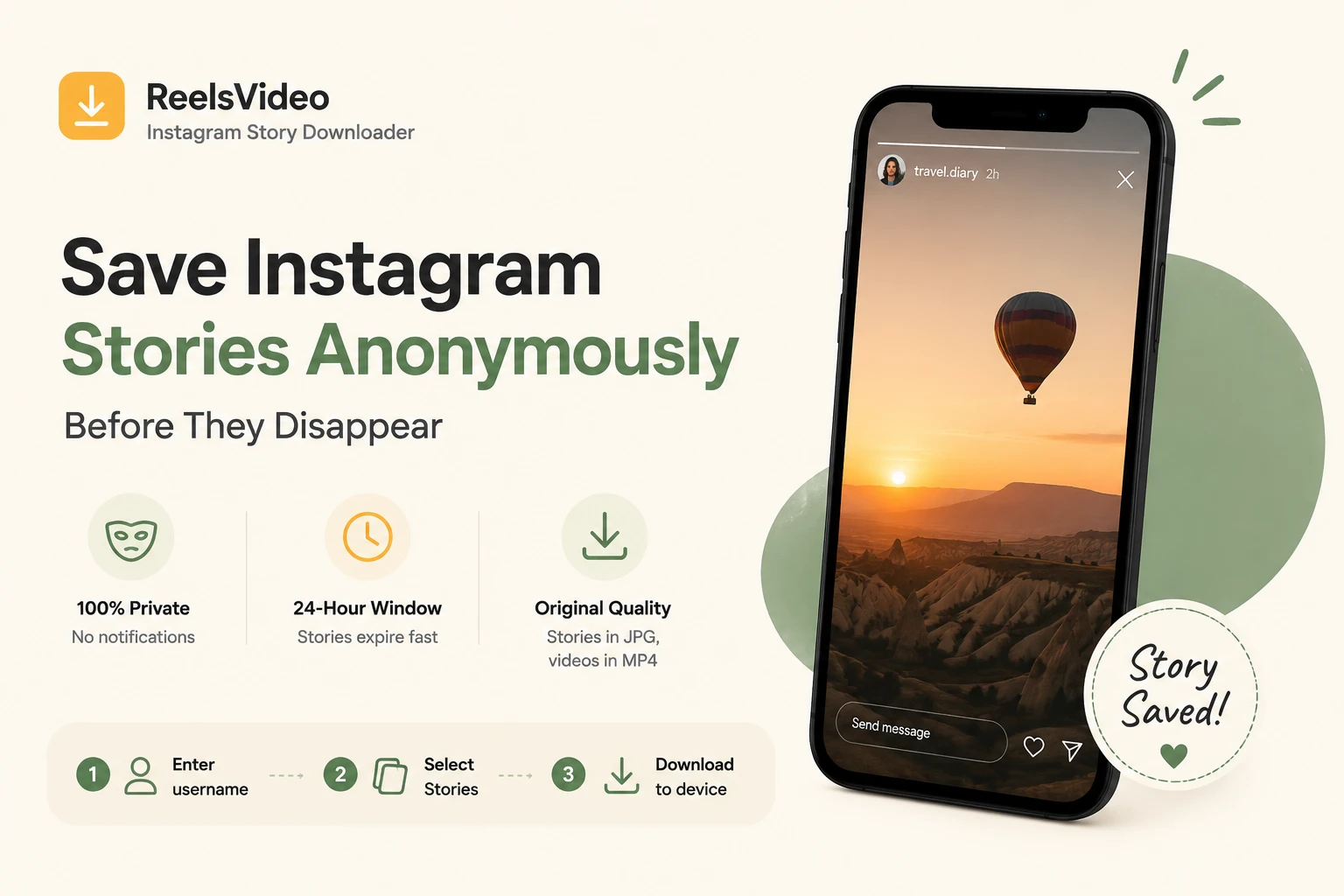
Instagram Stories have a 24-hour lifespan. After that, they’re gone — unless the creator saves them to Highlights, which is their choice, not yours. If you see a tutorial, a moment, or anything else in a Story that you want to keep, the window to act is short. A free instagram story downloader saves the file directly to your device — anonymously, before the clock runs out. Here’s how it works and how to use it on any device.
When Does Saving a Story Actually Matter?
Not every Story is worth keeping — but when one is, you need to act within 24 hours:
| Situation | Why downloading the Story makes sense |
| Tutorial or recipe posted as a Story | Gone in 24h — if you don’t save it, it’s gone |
| A friend’s travel update you want to revisit | Saved collections don’t work offline |
| A brand announcement or limited offer | Can’t share it as a file from the app |
| Your own Story you forgot to save before posting | Recover it before the 24h window closes |
| A Story from a creator you follow closely | Keep it even if they delete it or go private |
Does the Account Know I Saved Their Story?
No. Instagram notifies accounts when someone views their Story — that’s the view count. But downloads made through an external tool don’t register as views and don’t trigger any notification to the account owner. Your activity stays completely private.
This is different from screenshotting a Story, which on some platforms does trigger a notification. An external downloader retrieves the file from the server without interacting with the Story’s view counter.
How to Download Instagram Stories — Step by Step
Open reelsvideo.io in any browser. Free, no sign-up.
- Open Instagram and go to the profile whose Story you want to save.
- Copy the username or the profile link.
- Go to reelsvideo.io in your browser.
- Enter the username or paste the profile link.
- The tool loads all active Stories from that profile — select the ones you want to save.
- Photos save as JPG, videos as MP4, in original quality.
On Android
Chrome downloads files directly to your Downloads folder. Photos appear in the Gallery automatically; videos do too on most Android devices. If you don’t see them, check the Download folder in your file manager.
On iPhone
Safari may try to open the file instead of saving it. Here’s the fix:
- Enter the username on reelsvideo.io.
- Tap the Story you want to download.
- If it opens in the browser instead of downloading — tap and hold, then choose Download Linked File or Save to Files.
- Files land in Files → Downloads.
On PC or Mac
Same process — enter the username, select the Story, click Download. If the file opens in the browser instead of downloading, right-click → Save as.
Do Highlights Work Too?
Yes. Highlights are Stories that the creator chose to save permanently to their profile. Since they stay visible indefinitely, there’s no 24-hour pressure — but the download process is identical. Enter the username, select the Highlight collection, choose individual items or download all of them.
Frequently Asked Questions
Can I download Stories from private accounts?
No. The downloader only works with public accounts. Private Stories are not accessible through any external tool.
What format are downloaded Stories saved in?
Photo Stories save as JPG files. Video Stories save as MP4 files. Both are saved in their original upload quality.
Is there a limit on how many Stories I can download?
No limits. Download as many Stories and Highlights as you need, completely free.
24 Hours Goes Fast
If there’s a Story worth keeping, save it now. Go to reelsvideo.io, enter the username, and pick the Stories you want. They download to your device in original quality — anonymously, with no notification sent to the account. That’s what a reliable download instagram videos online free tool does — quietly and quickly, before the 24 hours are up.
