
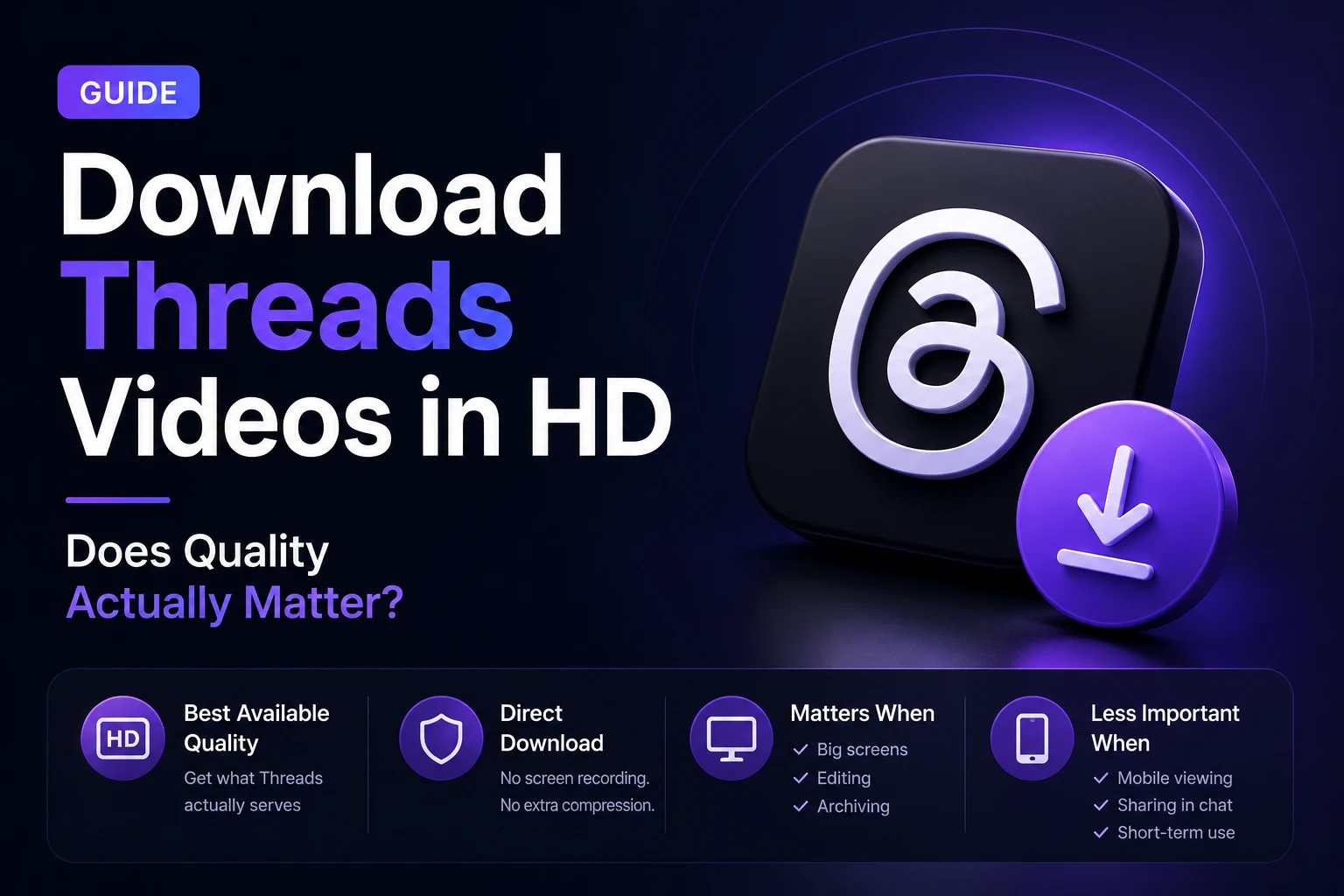
Every Threads downloader advertises HD quality. Some claim 4K. It all sounds great until you download a video and it looks exactly the same as it did when you were watching it — or sometimes noticeably worse.
The honest answer is that quality matters more in some situations than others, and the label “HD” doesn’t mean the same thing every time. Here’s what’s actually going on with video quality on Threads, and when it’s worth thinking about.
What Threads Actually Stores and Serves
When someone uploads a video to Threads, Meta re-encodes it for delivery. The platform doesn’t serve the original file exactly as uploaded — it processes the video through its encoding pipeline and stores multiple quality variants for adaptive streaming.
What this means in practice: the quality options you see when downloading (720p, 1080p, etc.) are the variants Meta created from the original upload. If the creator uploaded a 4K video, Meta might store a 1080p version and a 720p version. You can download the 1080p variant — but not the original 4K source file, because that’s not what Threads serves.
This is worth knowing because no downloader, regardless of what it claims, can give you better quality than what Threads is serving. The ceiling is set by Threads’ encoding pipeline, not by the downloader.
Why Two 1080p Videos Can Look Very Different
Resolution is only part of the picture. A 1080p video at 2 Mbps looks noticeably softer and more compressed than a 1080p video at 6 Mbps — even though both are technically “1080p HD.”
Threads uses variable bitrate encoding, meaning videos with lots of motion, fine detail, or high contrast get more bits allocated to preserve quality. A talking head video with a simple background compresses very efficiently and still looks sharp at lower bitrates. A fast-moving sports clip or a detailed landscape needs higher bitrates to avoid visible compression artifacts.
When you download a Threads video in HD, you’re getting whatever bitrate Threads assigned to that quality variant — which varies by content. The downloader doesn’t control this.
When HD Quality Actually Matters
Watching on a phone screen. On a 6-inch display, the difference between 720p and 1080p is minimal for most content. Your screen’s pixel density limits how much detail you can actually perceive. For casual viewing on mobile, 720p is usually fine.
Watching on a large screen or TV. Cast to a 55-inch TV and the difference between 720p and 1080p becomes very noticeable — especially for content with fine detail, text, or fast motion.
Editing or repurposing the video. If you’re bringing a clip into a video editor, higher quality gives you more flexibility. Less compression means cleaner chroma keying, better color grading results, and sharper output when you export.
Archiving content you care about. If you’re saving something you want to look good in five years, download the highest quality available now rather than wishing you had later.
When Quality Matters Less
Sending in a chat. WhatsApp, Telegram, and iMessage re-compress videos you send anyway. The recipient’s experience is limited by the messaging app’s own compression, not the quality of your downloaded file. Downloading in 720p is often sufficient for this use case.
Short-term reference. If you’re saving something just to watch once and delete, 720p is perfectly adequate.
Audio-focused content. For voice posts, podcasts, or talking-head videos where the audio is the point, visual quality differences are irrelevant.
How to Actually Get the Best Quality When Downloading
Step 1 — Copy the post link from Threads
Tap the three-dot icon on the post and select Copy link.
Step 2 — Use a downloader that offers quality options
When you download Threads videos in HD, the tool should show you available resolutions after processing the link — not just offer a single “HD” download with no choice. Open https://savethr.com/ in your browser, paste the link, and you’ll see the quality options Threads has available for that specific video.
Step 3 — Always choose the highest available
If you see 1080p and 720p, choose 1080p. The file will be larger, but you can always compress down later if needed — you can’t recover quality that wasn’t downloaded in the first place.
What About 4K?
Savethr and other downloaders surface 4K when Threads serves it. In practice, 4K on Threads is rare. Most creators shoot on phones and upload at 1080p or lower. Threads also caps its playback quality in many regions and on many devices, meaning 4K content isn’t widely distributed even when available.
If a downloader claims to offer 4K for every video, that’s marketing. 4K only appears as an option when Threads actually has a 4K variant to serve — which is uncommon.
Screen Recording vs Downloading — The Quality Comparison
Screen recording is the most common alternative to using a downloader, and it always loses quality. Your device records the playback at your screen’s resolution, then compresses the recording — double compression on top of what Threads already applied. The result is usually noticeably softer than the original.
Downloading fetches the video file directly from Threads’ servers without any additional compression step. The quality is whatever Threads serves — which is already compressed once, but not twice.
The Short Version
Quality matters more when you’re watching on a big screen, editing the clip, or archiving it long-term. For casual mobile viewing or sending in chat, 720p is usually fine. To download Threads videos in HD at the best available quality, use a tool that shows you the options rather than making the choice for you — and always pick the highest available. https://savethr.com/ fetches the original variants from Threads’ servers and lets you choose. No re-encoding, no quality loss in the download process itself.
