
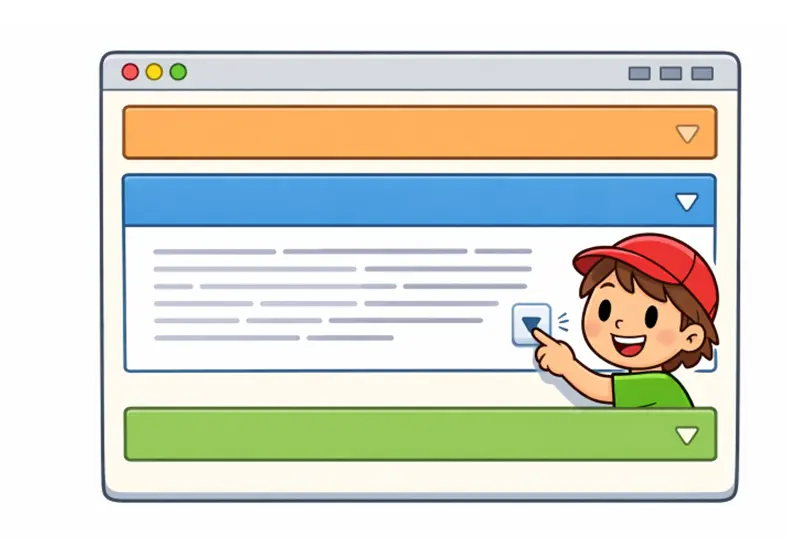
Accordions are a staple in web design, offering a sleek solution to organize content efficiently. By allowing users to expand and collapse sections, they enhance user experience by reducing clutter and focusing attention on relevant information. For a deeper dive into how professionals utilize accordions creatively, discover practical examples and interface patterns with accordion web design. Streamlining content presentation is key to reducing cognitive overload for users, especially when tackling information-dense pages or complex site navigation.
This design component serves as an essential tool for designers and developers looking to maximize space and maintain clean layouts. When used well, accordions improve the discoverability of important details while allowing for intuitive content exploration. Whether you are building FAQ pages or managing mobile navigation, accordions allow you to present information in a compact, interactive manner. However, knowing when and how to use them makes all the difference in both usability and search engine visibility.
UI designers often turn to accordions as a flexible option for content-heavy pages. When implemented thoughtfully, these elements enable users to focus on what matters most. On mobile devices especially, where space is limited, accordions allow designers to create interactive and organized interfaces without overwhelming visitors. Their adaptability is useful in indexing product details, FAQs, and multi-level navigation structures.
Understanding Accordion UI Design
An accordion is a user interface component composed of vertically stacked headers that users can expand or collapse to reveal or hide associated content. This approach offers a condensed way to display grouped information, giving users control over what content to view. Accordions have become an industry standard, particularly for content organization within dashboards, sidebars, mobile apps, and e-commerce settings. They make navigation more natural and help achieve a minimalist appearance without sacrificing necessary details.
Benefits of Using Accordions
Implementing accordions in web design offers several advantages:
- Space Efficiency: Accordions reduce the visible footprint of large content sets, making the design cleaner and improving access on small screens.
- Improved User Experience: By segmenting related content, accordions help users find key pieces of information swiftly, regardless of device size.
- Enhanced Navigation: Content-heavy pages, such as help centers or product listings, benefit from the orderly presentation that accordions provide, easing user navigation.
Best Practices for Implementing Accordions
- Use Clear and Concise Labels: Accordion headers should describe the content within each section directly, ensuring users always know what to expect before expanding a segment.
- Maintain Consistent Design: Use intuitive icons, such as arrows or plus/minus signs, to indicate expandable sections. Consistency across the site builds user familiarity and reduces confusion.
- Ensure Accessibility: Applying ARIA attributes and supporting keyboard navigation makes accordions usable for everyone, including individuals using assistive technologies. For detailed guidelines, the W3C’s ARIA Authoring Practices offer comprehensive standards.
- Limit the Number of Sections: Avoid overwhelming users with too many accordions. Prioritize content and organize information clearly to help users find what they need without unnecessary complexity.
- Provide Default States: Decide if sections should be open or closed on page load. Letting some accordion panels expand by default can direct attention to high-priority information.
Common Use Cases for Accordions
- FAQs: Grouping frequently asked questions in collapsible panels helps users quickly find answers without having to scroll through blocks of text.
- Product Details: Organizing specifications, user reviews, and additional data in expandable sections keeps product listings streamlined and easy to browse.
- Navigation Menus: Especially on mobile sites, collapsible navigation menus save space and simplify site traversal by users, leading to a better overall user experience.
Potential Drawbacks and Considerations
- Hidden Content: Important details could be missed if users do not interact with every section, so place mission-critical information outside accordions when necessary.
- SEO Implications: Content placed within accordions had previously faced indexing challenges, but Google has clarified that properly implemented hidden content is now indexed similarly to visible text.
- Overuse: Excessive reliance on accordions may fragment the user journey. Use them sparingly, when they truly add clarity rather than complexity.
Real-World Examples of Effective Accordion Use
Well-known websites often feature accordions to enhance design and usability. For example, e-commerce platforms like Amazon integrate accordions on product pages to present information such as technical details and warranty policies. Educational sites such as Coursera or academic portals employ accordions to lay out curricula and syllabi, simplifying course navigation for learners. Adoption of these components extends to government and healthcare sites, where expansive resources are broken down into relevant, accessible sections. These examples underscore the accordion’s power to structure dense material intuitively and elegantly.
Conclusion
Accordions are a powerful tool in modern web design, offering a balance between content richness and user-friendly interfaces. When implemented thoughtfully, they can significantly enhance the user experience by organizing information efficiently and reducing visual clutter. By adhering to best practices and ensuring accessibility, designers can create sites that are intuitive and inclusive. The strategic use of accordions leads to clearer pathways for users and maintains search engine performance, making them a valuable addition to any designer’s toolkit.
